
Mobile App Maintenance Cost Per Year: What Nobody Budgets For
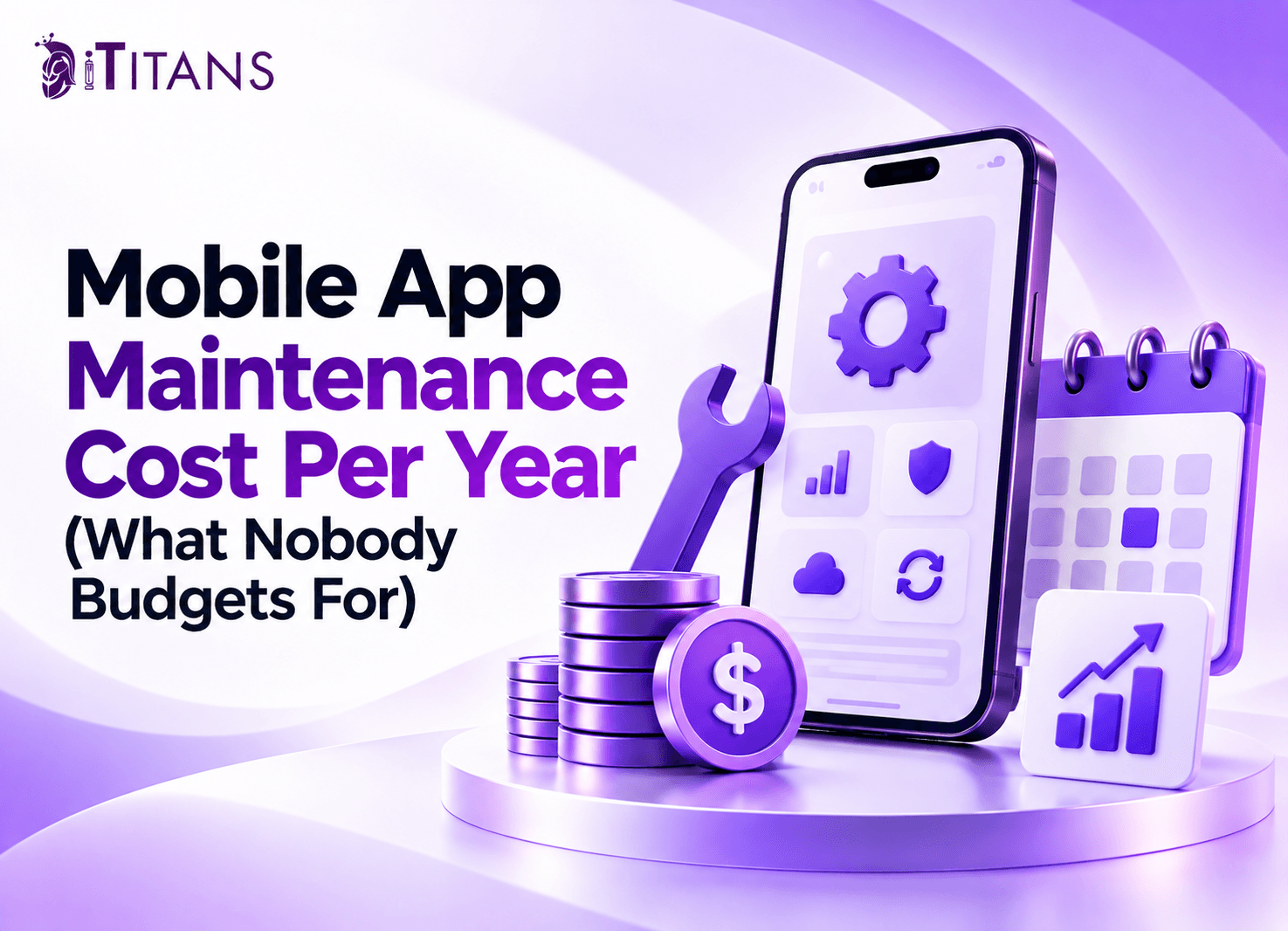
Building a mobile app is only the first major expense. Once your app launches, you must pay for updates, hosting, security, bug fixes, and ongoing support. These costs can increase as your user base grows or your software becomes harder to maintain.
Yet many businesses approve a development budget without planning for the following years. Understanding the mobile app maintenance cost per year helps you protect your investment and avoid unexpected bills.
This guide explains typical costs, overlooked expenses, budgeting methods, and practical ways to manage your app after launch.
How Much Does Mobile App Maintenance Cost Per Year?
Annual mobile app maintenance typically costs around 15% to 25% of the original development budget. The exact amount depends on complexity, user activity, integrations, security requirements, and the support your team provides.
For example, a mobile app that costs $50,000 to develop might require $7,500 to $12,500 annually. A $100,000 app could need $15,000 to $25,000 each year.
These figures are planning estimates, not fixed industry prices. An app with basic content and limited functionality will usually cost less to maintain than a marketplace with payments, live tracking, and multiple integrations.
| Original development cost | Estimated annual maintenance | Monthly equivalent |
| $20,000 | 3,000–5,000 | 250–417 |
| $50,000 | 7,500–12,500 | 625–1,042 |
| $100,000 | 15,000–25,000 | 1,250–2,083 |
| $250,000 | 37,500–62,500 | 3,125–5,208 |
Your first year may cost more because real users reveal problems that testing did not catch. You may also need infrastructure adjustments, additional monitoring, and compatibility fixes.
Treat these figures as an initial budget. Ask your development team to estimate costs using your actual architecture, usage forecasts, and service agreements.
What Does Mobile App Maintenance Include?
Mobile app maintenance covers the work required to keep an application functional, secure, compatible, and useful. It includes several recurring expenses beyond developer salaries.
1. Server Hosting and Cloud Infrastructure
Your app may depend on cloud servers, databases, file storage, backups, and content delivery networks. These services support login requests, transactions, uploaded files, and other essential functions.
A small application may run on a modest infrastructure budget. However, costs can rise when users generate more traffic, upload media, or make frequent database requests.
Monitor these expenses monthly. Poorly optimized queries, unused storage, and oversized servers can increase bills without improving the user experience.
2. Bug Fixes and Technical Support
Even well-tested applications can develop problems after release. Users may encounter crashes, failed payments, broken navigation, or unexpected behavior on particular devices.
Your maintenance budget should cover routine troubleshooting and a defined amount of developer support. It should also explain how the team handles urgent issues outside normal working hours.
Emergency work can cost more than planned maintenance. Therefore, establish response times and support limits before signing an agreement.
3. iOS and Android Compatibility Updates
Apple and Google regularly update their operating systems and development requirements. These changes can affect permissions, notifications, background processing, security, and older libraries.
Developers must test your application against supported operating system versions. They may also need to update software development kits, replace outdated dependencies, or fix platform-specific issues.
Android applications often require testing across a wider range of devices and manufacturer configurations. iOS applications also need compatibility testing as Apple changes its operating system and development tools.
4. Security Updates and Monitoring
Security maintenance involves more than installing occasional patches. Developers must review vulnerable dependencies, protect user data, manage access controls, and investigate suspicious activity.
Applications that handle payments, medical records, or personal information may need additional security reviews. Their budgets should also account for applicable regulatory requirements and audit preparation.
Skipping these tasks can expose your business to data breaches, service interruptions, and recovery expenses. Schedule security reviews instead of waiting for a problem to appear.
5. Third-Party APIs and Subscriptions
Most applications rely on external services for payments, maps, authentication, analytics, messaging, or email delivery. Each service may introduce subscription fees, usage charges, or API changes.
A mapping service, for example, may become more expensive when customers request more routes. Similarly, SMS verification costs can rise with account registrations.
Maintain a list of every external service your application uses. Record its pricing model, renewal date, usage limits, and business purpose.
Hidden Mobile App Maintenance Costs Businesses Often Miss
The most difficult expenses to budget for are not always obvious at launch. Several small costs can become significant when they accumulate throughout the year.
1. Emergency Fixes and Unexpected Downtime
A failed checkout, unavailable database, or authentication problem can prevent customers from using your app. Resolving the issue may require immediate developer attention and infrastructure changes.
Downtime can also interrupt sales, customer service, and internal operations. Include an emergency allowance in your annual budget rather than spending every dollar on planned work.
2. Dependency Upgrades and Technical Debt
Developers use external libraries and frameworks to build applications faster. Over time, some dependencies become outdated or incompatible with newer software versions.
Delaying upgrades can make future changes more difficult. A routine update may eventually require extensive refactoring because several connected components rely on old code.
Reserve time for dependency updates, code reviews, and automated testing. These tasks can prevent small maintenance issues from becoming expensive redevelopment projects.
3. Database Growth and Backup Recovery
User accounts, transactions, messages, images, and activity records increase your storage requirements. Your database and backup expenses may therefore rise as the application becomes more popular.
Backups also need regular testing. A backup that cannot restore your application properly offers little protection during an outage.
Include backup storage, recovery testing, and retention policies in your maintenance plan. The right approach depends on how much data your business can afford to lose.
4. Paid Tools and Vendor Price Changes
Monitoring platforms, error-reporting tools, analytics services, and communication providers may charge based on usage. Some vendors also change subscription prices or discontinue older service plans.
Review these contracts every quarter. Remove unused services and identify cheaper alternatives when switching will not disrupt important features.
5. Store Compliance and Release Preparation
Publishing updates requires more than submitting a new build. Your team may need to update privacy disclosures, test purchases, review permissions, and resolve store review issues.
Budget for release preparation and testing. Also distinguish recurring developer account fees from transaction commissions, which depend on your app’s business model and applicable store rules.
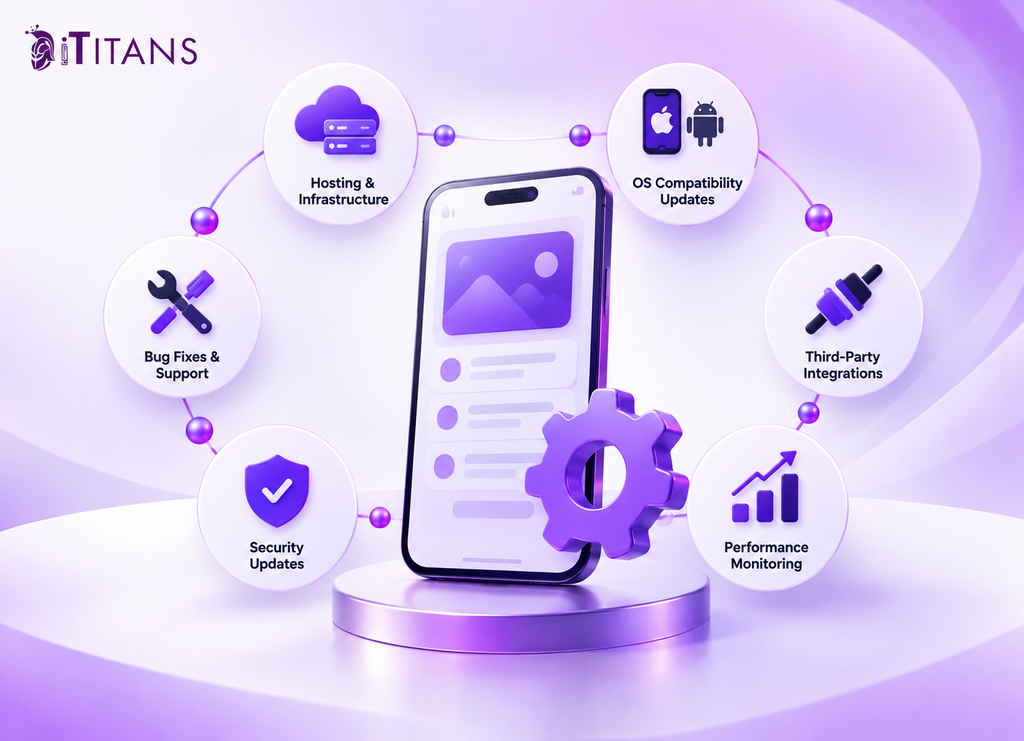
Mobile App Maintenance Cost Breakdown
The following example shows how a medium-sized application might distribute its annual maintenance budget. These amounts are illustrative allocations, not universal market rates.
| Expense category | Example annual budget |
| Hosting and database services | $3,000 |
| Bug fixes and developer support | $5,000 |
| Security and dependency updates | $2,000 |
| Operating system compatibility | $2,000 |
| Third-party APIs and software | $1,500 |
| Testing and performance monitoring | $1,000 |
| Emergency reserve | $2,500 |
| Total | $17,000 |
This example assumes a moderately complex app with an established user base. A simpler app may need less support, while a high-traffic platform may require a larger team and infrastructure budget.
The important distinction is between fixed and variable costs. Developer retainers and annual subscriptions may remain predictable, while hosting, messaging, and API usage can change significantly.
Which Factors Affect Annual App Maintenance Costs?
Several factors determine whether your yearly maintenance budget stays manageable or increases over time.
App Complexity and Number of Integrations
An application with login, basic content, and limited backend functionality has fewer moving parts. A marketplace with payments, location tracking, chat, and multiple user roles requires more testing and support.
Every integration introduces another potential failure point. When estimating costs, list the external systems your app depends on and identify who maintains each connection.
Number of Active Users
More users can mean more server requests, database operations, file storage, and customer support. Infrastructure costs may rise even when your development team makes no code changes.
However, growth does not automatically make every expense increase at the same rate. Efficient architecture, caching, and sensible resource limits can help control infrastructure spending.
Native Versus Cross-Platform Development
Native iOS and Android apps often require separate platform-specific development work. Cross-platform frameworks can reduce duplicated effort by sharing parts of the codebase.
However, cross-platform apps still need platform testing and framework upgrades. The cheaper option depends on your app’s features, integrations, performance requirements, and existing architecture.
Security and Compliance Requirements
Financial, healthcare, and enterprise applications may require additional controls, documentation, and reviews. The exact obligations depend on the information handled, the markets served, and the applicable rules.
Include these requirements when preparing the original maintenance estimate. Treating compliance as an optional future expense can leave your business underprepared.
How to Build a Realistic Annual App Maintenance Budget
A useful budget separates expected operating costs from uncertain repair expenses. Start by documenting the work your app needs, then assign a cost to each category.
Use these steps to prepare your estimate:
- List recurring services: Record hosting, databases, monitoring tools, APIs, subscriptions, and developer accounts.
- Estimate developer hours: Include bug fixes, compatibility updates, security reviews, testing, and release preparation.
- Plan operating system updates: Set aside time for testing and fixing issues after major platform changes.
- Forecast usage: Estimate active users, database activity, file storage, transactions, and messaging volume.
- Create an emergency reserve: Keep funds available for unexpected failures and urgent repairs.
- Review the budget quarterly: Compare actual spending with your estimates and adjust for growth or changing requirements.
Next, ask your development partner to separate routine maintenance from new feature development. This makes it easier to understand which expenses protect existing functionality and which support business growth.
Finally, agree on service levels, reporting, response times, and included support hours. A clear maintenance agreement helps prevent billing disputes and unexpected charges.
How Can You Reduce Mobile App Maintenance Expenses?
Reducing maintenance costs does not mean ignoring essential updates. It means identifying avoidable work and preventing recurring problems before they become expensive.
Start by automating regression tests for important user journeys. Automated tests can help teams detect problems before releasing updates, although they still require maintenance and manual testing.
Next, monitor cloud usage and remove resources your application no longer needs. Review database queries, storage policies, and third-party subscriptions to identify unnecessary spending.
Keep your documentation current, too. Clear setup instructions, architecture records, and deployment procedures help new developers understand the application faster.
Most importantly, address technical debt before it affects routine development. Small, planned improvements often require less effort than repairing years of accumulated problems.
Plan Your App’s Long-Term Maintenance With iTitans
A successful app needs ongoing attention long after launch. iTitans can help businesses plan mobile application development and ongoing technical support around their product requirements. Contact iTitans to discuss your application, expected maintenance needs, and a practical budget for the year ahead.
Frequently Asked Questions
1. How much should I budget for app maintenance each month?
Start with approximately 15% to 25% of your original development cost annually, divided by twelve. Then add usage-based services and any special support requirements that fall outside your maintenance agreement.
2. Is app maintenance included in the initial development cost?
Not always. Some development agreements include a limited warranty or short support period, while others offer separate maintenance packages. Check the contract for covered fixes, exclusions, response times, and ongoing service fees.
3. What happens if I stop maintaining my mobile app?
Your app may continue working temporarily, but outdated dependencies and operating system changes can cause problems. Security vulnerabilities, failed integrations, and compatibility issues may eventually affect users or interrupt business operations.
4. Does a cross-platform app cost less to maintain?
It can cost less because developers can share much of the code between iOS and Android. However, framework upgrades, native integrations, and platform-specific bugs still require attention. Actual savings depend on the application’s architecture and features.
5. How often should a mobile app receive maintenance updates?
Maintenance should be ongoing rather than limited to one annual update. Teams should monitor errors and security alerts regularly, apply important fixes promptly, and test compatibility around major operating system releases. Release frequency depends on risk and business needs.
6. Is it cheaper to maintain an app or rebuild it?
Maintenance usually costs less when the application has a sound architecture and manageable technical debt. Rebuilding may become more economical when outdated technology, recurring failures, or major architectural limits make every change expensive. Compare future maintenance costs with the full rebuild and migration costs before deciding.